Product5 min read
ProBeauty AI Is Now on Android
The ProBeauty AI app is live on Google Play. Run your schedule, clients, bookings and Gia from your Android phone, with the same account you use on the web.
JR
Johanna Rosa
CEO, ProBeauty AI
Published
The ProBeauty AI app is live on Google Play. Run your schedule, clients, bookings and Gia from your Android phone, with the same account you use on the web.
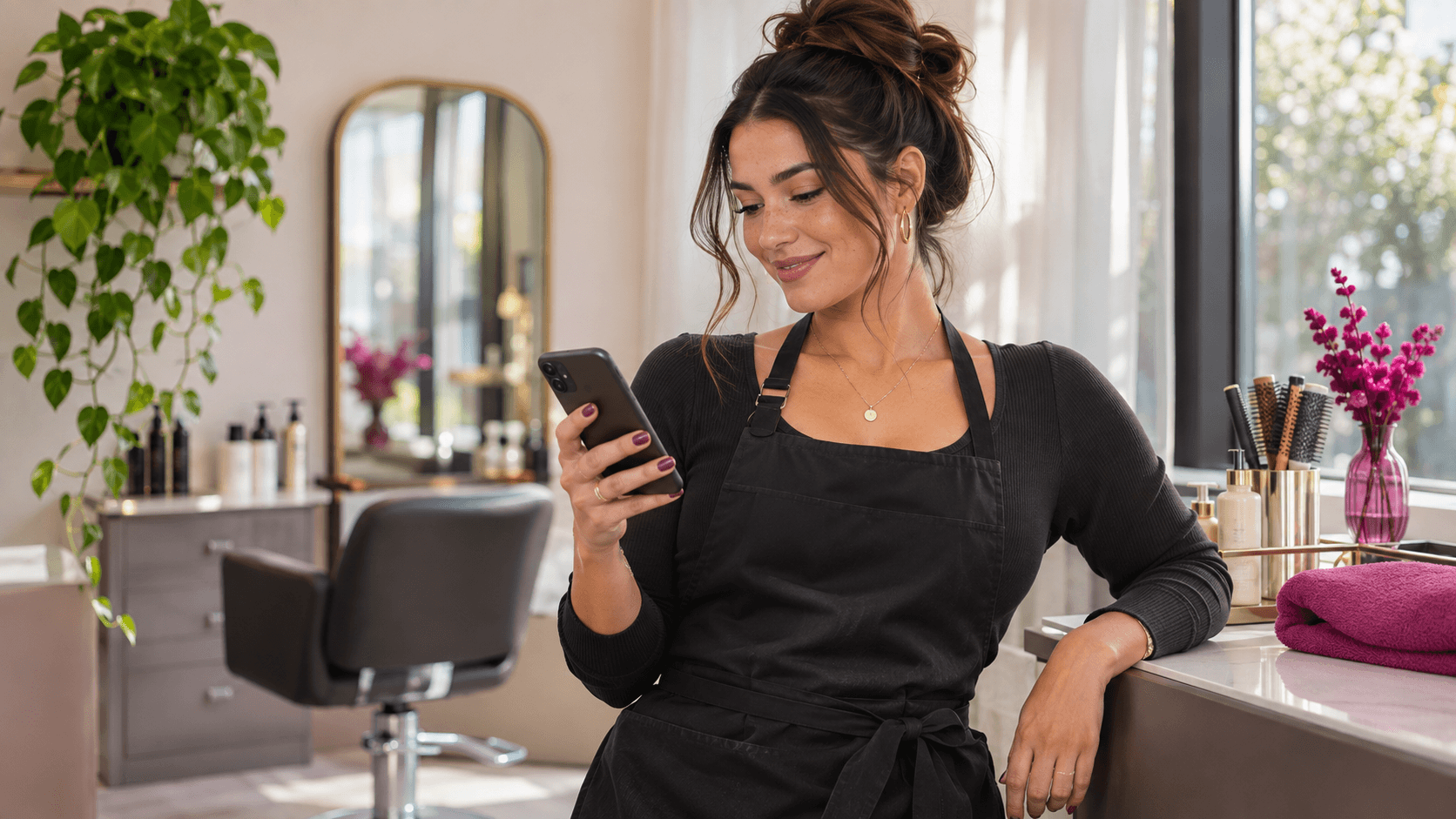
ProBeauty AI is now on Android. The app went live on Google Play on November 5, 2026.
If you have been running your business from an Android phone, you have had two options until now: open the web app in your browser, or join our waitlist and wait. To everyone on that waitlist, thank you for your patience. This is the post you were waiting for.
That link works on any phone. Android phones go to Google Play, iPhones go to the App Store, and computers see both options.
Beauty professionals on Android. Stylists, estheticians, nail techs, lash and brow artists, and anyone else who has been using ProBeauty AI in a phone browser because there was no app for their phone.
If that is you, nothing about your account changes. The difference is that you now have a real app on your home screen instead of a browser tab you have to find between clients.
The things you actually need between appointments, in the app:
Your schedule. See your day, check what is next, and keep track of who is coming in.
Your clients. Every client's visit history, notes, formulas and preferences, so you can check what you did last time before they sit down. Visit notes are summarized for you, and intake and consent forms are attached to the client.
Your booking page. Clients keep booking on your own branded page around the clock, with deposits taken at the time of booking and reminders that go out without you having to remember. Your services, your hours, your rules.
Gia. Our AI assistant, built for the beauty industry. Ask about a service, a client, or a business decision and get an answer you can use. Gia is useful in the ten minutes between clients, when you have a question and no time to look for the answer.
Content. Create promotional images and captions for social media without leaving the app.
The app works in English and Spanish, and you can switch whenever you want.
All of it. The Android app is the same ProBeauty AI you already use on the web, not a separate product.
Sign in with the account you already have, and your clients, schedule, services, booking page and forms are all there. Anything you change on your phone shows up on the web, and the other way around. Your booking link stays the same, so you do not need to update anything you have already shared with clients.
You can keep using whichever screen suits the job. The phone for checking your day between clients, a computer for setting up your services or writing your policies, and the same data underneath both.
If you are new, Essential is $20 for your first six months on the current offer, then $19.99 a month. That is $20 once, not $20 a month: you pay it today and there is nothing further to pay until month seven.
If you subscribe inside the Android app, your subscription is billed through Google Play, the same way subscriptions bought in the iPhone app are billed through Apple.
If you already pay for ProBeauty AI on the web or on your iPhone, do not subscribe again in the Android app. Your plan belongs to your account, not to the device, so it is already there when you sign in. The only thing that differs is where it is billed: wherever you first subscribed.
Subscribing in the Android app also means Google Play is where you manage it. To cancel, open the Google Play app, tap your profile, then go to Payments and subscriptions, then Subscriptions, and choose ProBeauty AI. Refunds for Google Play purchases are handled by Google, through Google Play refund help. The full details are in our refund policy.
With Android live, ProBeauty AI now runs on iPhone, iPad, Android and the web, all on one account.
It also connects to the AI assistants you may already use. You can find ProBeauty AI in the ChatGPT and Claude directories and connect your account, then check your schedule or look up a client from inside the chat. The setup steps are in how to connect ChatGPT to your salon booking and how to connect Claude to your salon booking.
Being straight about this, the same as everywhere else.
The app does not answer your phone calls. Gia answers questions in the app and helps with your bookings, but if a client calls, it is still your phone ringing. We are not a marketplace, so the app will not send you new clients from a public directory. Clients find you through your own booking link. And we do not handle gift cards.
If any of those are what you need, you should know that before you download, not after.
This is the first Android release, and we are listening. If something does not work the way you expect on your phone, or there is something you wish the app did, email contact@probeauty.ai. Early feedback shapes what we fix and build next.
ProBeauty AI gives you a branded booking page, automatic reminders, AI intake forms, full client records and Gia, now on iPhone, iPad, Android and the web. You focus on the human touch. We'll handle the rest. Get the app.
Join thousands of beauty professionals using AI to grow.
