A client sends you three screenshots and says she wants "something like this, but more me."
One is chrome. One is a milky French. One is a hand-painted cherry that took someone four hours. She would like it by Friday, on short almond nails, and she is not sure about the colour.
This is the moment AI nail design tools are genuinely good for. Not replacing your eye, and not producing a set you then copy stroke for stroke. Getting from "something like this" to four concrete options she can point at, in about ten minutes, before she sits down.
People search for this in a very specific way: where can I find tools that generate nail design concepts with variations? So that is the structure here. Where the tools are, how to get variations you control rather than random ones, the prompts that work, and the limits worth knowing before you show a client anything.
Where to find AI nail design tools
There are three kinds, and they do different jobs.
General AI image generators. ChatGPT's image generation, Google's Gemini image models (often called Nano Banana), Midjourney, and similar. These are the most capable for pure design exploration, because you can describe almost anything and get a realistic image back. The catch is that they know nothing about you, your clients, or your services. Every image starts from a blank chat, and you will rewrite the same context every time.
AR try-on apps. Apps that overlay polish or simple designs onto a live camera view of your hand. Fast, often free, and good for one question: does this colour suit this skin tone? They are weaker at detailed art, because they are painting on top of a video rather than rendering a new image.
Beauty-specific platforms. Tools built for beauty professionals that put image generation alongside your booking, clients and records. Less general than a pure image model, but the concept can live in the client's file next to her appointment, which matters more than it sounds by her third visit. This is what we built ProBeauty AI to do, and I will be specific about it below.
For a quick concept, a general image generator is fine. For a consultation workflow you repeat every week, the tool matters less than the method, which is the rest of this article.
Why most AI nail designs come out wrong
If you have tried this and got back something glossy, generic, and slightly cursed, here is usually why.
The prompt describes a vibe, not a nail. "Pretty fall nails" gives the model nothing to work with, so it fills in every decision for you: shape, length, colour, finish, art, hand, lighting. You get a stock photo.
Everything changes at once. You ask for "the same but in green" and get a different shape, a different hand, a different background, and a design that is only loosely related. That is not a variation. It is a new image.
It is not something you could actually do. AI will happily give you 3D roses with impossible translucency on nails half a centimetre long. It looks incredible. You cannot sell it.
All three have the same fix: be precise about the parts that matter, and change one thing at a time.
The anatomy of a nail design prompt
Every useful nail design prompt specifies the same seven things. Leave one out and the model guesses.
- Shape: almond, oval, square, squoval, coffin, stiletto, round
- Length: short, medium, long, or "just past the fingertip"
- Base: the colour and opacity, such as milky sheer pink, opaque espresso, clear
- Finish: glossy, matte, chrome, cat-eye, velvet, jelly
- Art and placement: what goes where, such as a thin gold line on the ring finger only
- Hand and skin tone: so the client can picture it on hands like hers
- The shot: close-up, natural daylight, plain background, so the nails are the subject
Here is what that looks like as a template you can reuse:
Close-up photo of a hand with [length] [shape] nails. Base: [colour and opacity]. Finish: [finish]. Design: [art], on [which nails]. [Skin tone] hand, natural manicure, relaxed pose. Soft natural daylight, plain cream background, sharp focus on the nails. Realistic salon result that could be done in one appointment.
That last sentence is doing real work. It pulls the model back toward things you could actually do.
How to get real variations
This is the part the search is really asking about, and it is where most people go wrong.
Lock everything except one variable. Generate a base design you like. Then, in the same conversation, ask for that exact design with one thing changed: "Keep the shape, length, hand and design exactly the same. Change only the base colour to deep olive." The tighter the instruction, the more it behaves like a variation rather than a new picture.
Vary along one axis at a time. The useful axes for nails are colour, finish, length, shape, and art intensity. Pick one per round. A client choosing between four colours of the same design is making a real decision. A client looking at four unrelated pictures is just browsing.
Ask for a set in one image. "Show four nails side by side, identical shape and design, in four colours: espresso, plum, olive, and navy." Comparing in one frame is much easier than flipping between four images, and the model keeps the design more consistent when it draws them together.
Use a reference image when you have one. Most modern image tools accept a photo. Upload the client's screenshot, or a photo of a set you have done, and say what to keep and what to change. "Use this design, but on short squoval nails and in a sheer nude base." Reference images are the single biggest improvement in consistency.
Name the art intensity. Minimal, accent nail only, every nail, full statement. Clients often want "the same vibe but less," and this is how you get it without starting over.
Copy-ready prompts
Swap anything in brackets. Each one is written so you can go straight to variations afterwards.
Seasonal concept:
Close-up photo of a hand with short almond nails. Base: sheer milky pink. Finish: glossy. Design: tiny hand-painted [autumn leaves] in [burnt orange and gold] on the ring finger and thumb only, the rest plain. Medium skin tone, relaxed pose, natural daylight, plain cream background. Realistic salon result that could be done in one appointment.
Colour options for one design:
Four nails side by side, identical short squoval shape and identical [micro French tip] design. Only the tip colour changes: [espresso, burgundy, olive, navy]. Glossy finish, plain background, even daylight, label nothing.
From a client's screenshot:
Use the attached photo as the design reference. Keep the [chrome finish and placement] exactly. Change the shape to [short oval], the base to [soft nude], and make it suitable for someone who works with her hands. Realistic, natural daylight, plain background.
Toning it down:
Same design as the previous image, but minimal: keep the [cherry] art on the ring finger only, all other nails plain [sheer pink]. Do not change the shape, length, or hand.
Trend test before you offer it:
Close-up photo of a hand with medium coffin nails in a [aura gradient], [pink fading into lilac] from the cuticle outward. Soft glossy finish. Light skin tone. Show how it would realistically look as a gel service, not an illustration.
For which trends are worth testing this season, 8 nail art and design trends driving bookings is a good place to pull from.
Using it in a consultation
The design is the easy part. The workflow is what makes it pay.
Before the appointment. When a client books something custom, ask for her inspiration and a sentence about what she likes. Generate two or three concepts that evening. Ten minutes. If your booking page sends a form ahead of time, put the inspiration question on it, so it arrives without a DM thread. How to set up online booking for your salon covers attaching forms to bookings.
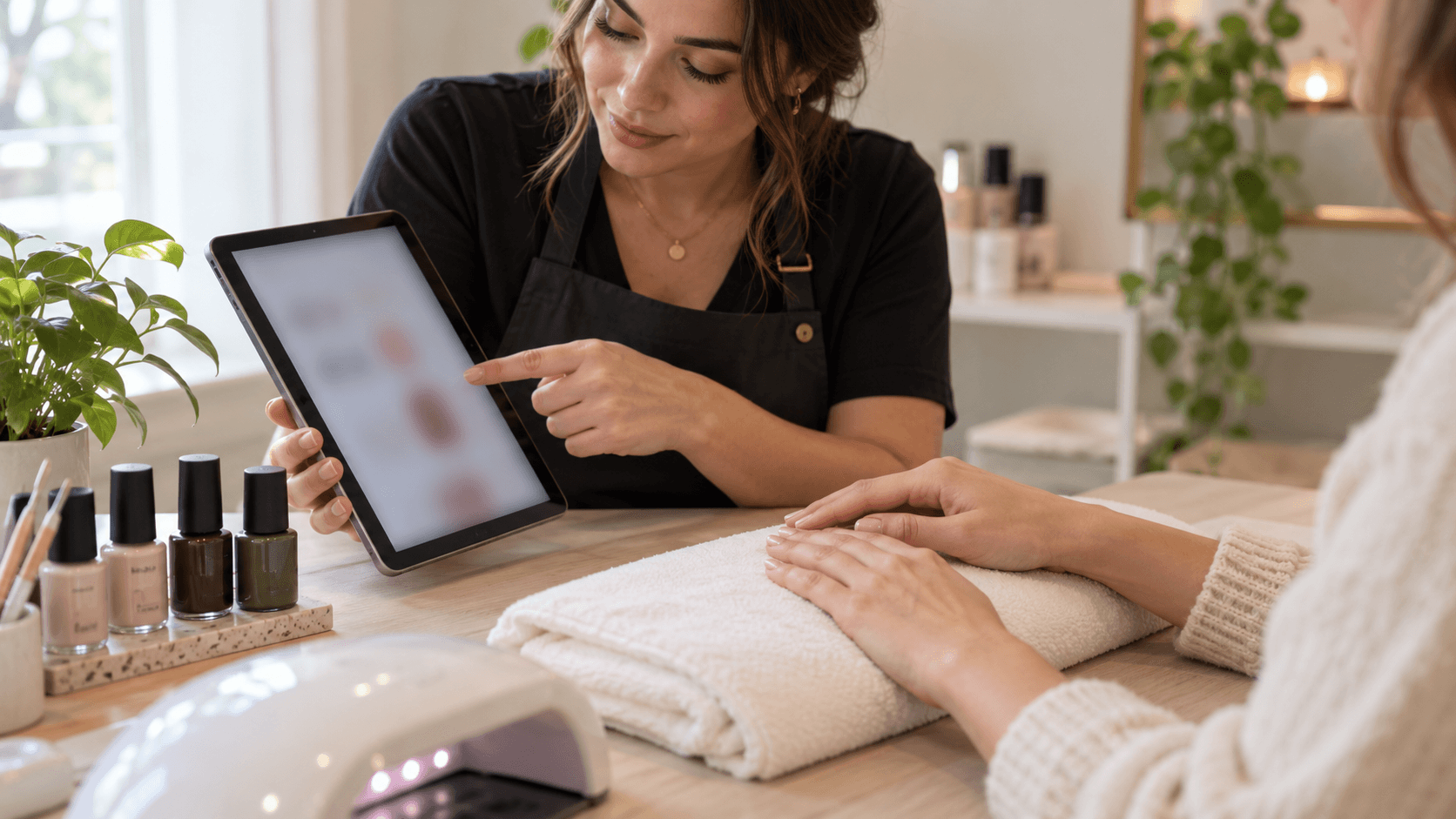
At the start of the appointment. Show her the concepts and let her point. Then make one round of variations together if she wants: a different colour, a shorter length. Stop after one round. Endless options make decisions harder, not easier.
Save the one she chose. Put it in her client record with the date. Next time she says "like last time but different," you know exactly what last time was. Where those records should live is covered in where to store client notes and consent forms.
Price the art, not the picture. A concept that takes the AI four seconds can still take you ninety minutes to paint. Quote from the real design, and say so before she falls in love with it. If your custom art pricing needs work, how to price your beauty services walks through it.
The limits, honestly
AI nail design is a consultation and content tool. It is not a promise, and treating it as one is how you end up with an unhappy client.
It does not know her nails. It cannot see her nail beds, her natural length, or whether her nails will hold a long coffin shape. The concept shows the design, not the result on her hands.
It invents what is physically impossible. Translucent 3D layers, perfect gradients on tiny nails, details finer than any brush. Check every concept against what you can actually execute before she sees it.
Hands still go wrong. Extra fingers, odd joints, nails that melt into skin. Better than it was, still common. Regenerate rather than show a client anything strange.
Label it when you post it. If you share AI concepts on social media, say they are concepts. Presenting generated images as your finished work is the fastest way to lose trust with the clients who matter most, and in some places it can also run into advertising rules. Use AI for "would you wear this?" posts and real photos for your portfolio. For the wider content plan, see social media marketing for salons and spas.
How it works in ProBeauty AI
Concretely, so you can judge it.
ProBeauty AI includes an image studio that runs the same generation models mentioned above, including Nano Banana and GPT Image, inside the app you already use for bookings and clients. You can generate a concept from a description or start from a photo, use the nail design templates rather than writing every prompt from scratch, and keep the result with the client.
The honest limit is volume. Essential includes 8 AI images a month, which is enough for a handful of custom consultations but not for generating a dozen variations per client. Pro includes up to 160 a month, which is the plan to look at if design consultations are a regular part of your service. Essential is $19.99 a month, or $20 once for your first six months on the current offer, with nothing further until month seven. Pro is $29.99.
If you are already happy with a general image tool, keep using it. The prompts above work anywhere. What a beauty platform adds is the part after the picture: the booking, the client record, and remembering which design she chose. For the wider set of tools worth using as a nail tech, see 5 AI tools every nail tech should use.
The short version
Use a general image generator for exploring, an AR app for checking colour on a hand, and a beauty platform if you want concepts tied to clients and bookings.
Write prompts that specify shape, length, base, finish, art placement, hand and shot. Then get variations by changing one thing at a time, ideally side by side in one image, and use a reference photo whenever you have one.
Show a client two or three concepts, do one round of changes, save the one she picks, and price the real work rather than the picture. That is ten minutes of prep that turns "something like this" into a decision.
ProBeauty AI gives nail techs an AI image studio for design concepts alongside booking, client records and reminders, all in one app. You focus on the human touch. We'll handle the rest. Get started free.